Browser extension · VS Code extension
Markdown,
read properly.
Browsers show .md files as a wall of raw text. Markscope turns every Markdown URL into a
navigable, well-typeset document with an outline, search, diagrams and math, and it never runs code from
the document.
- MIT licensed
- No telemetry
- No server
- AI optional, off by default
Deploy runbook
- Tag the release
- Roll out to 5%
01
A reader built for the docs developers live in
READMEs, ADRs, runbooks, specs, changelogs. Open them from the web, from GitHub, or straight from disk.
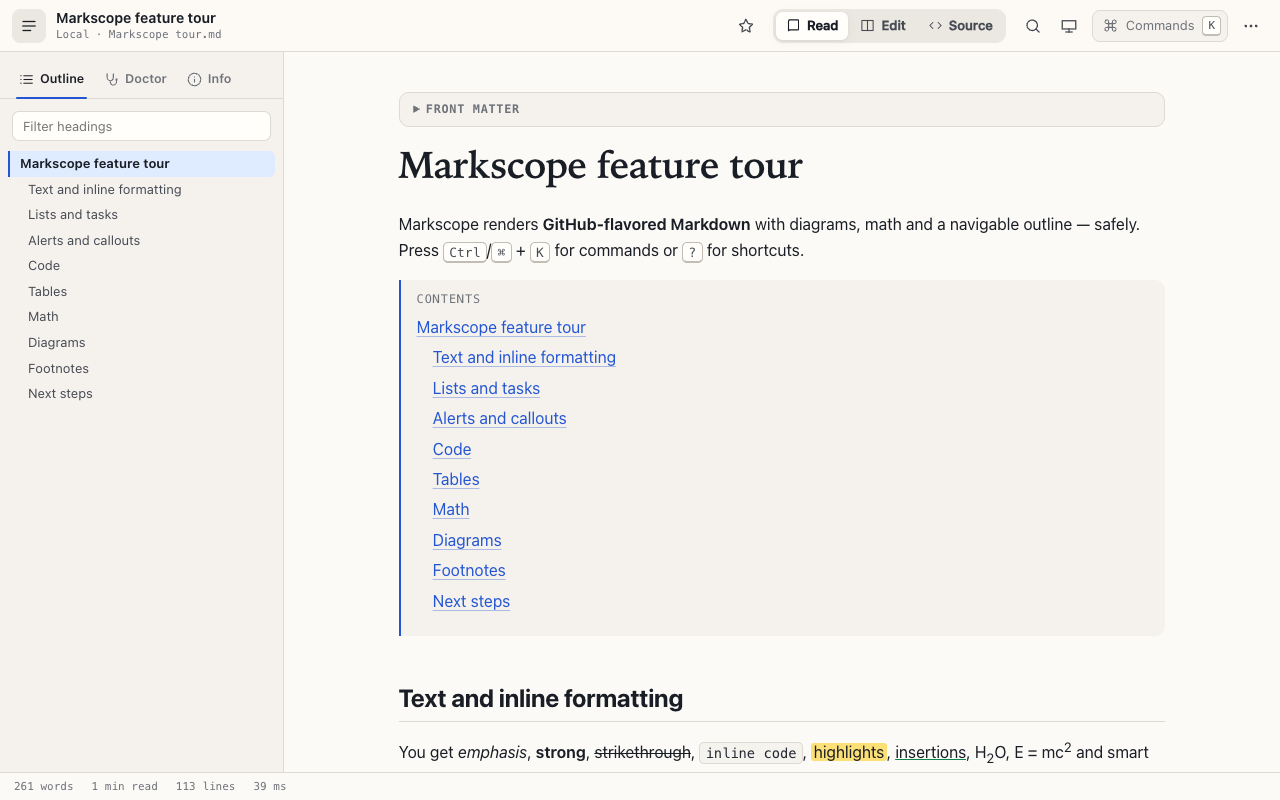
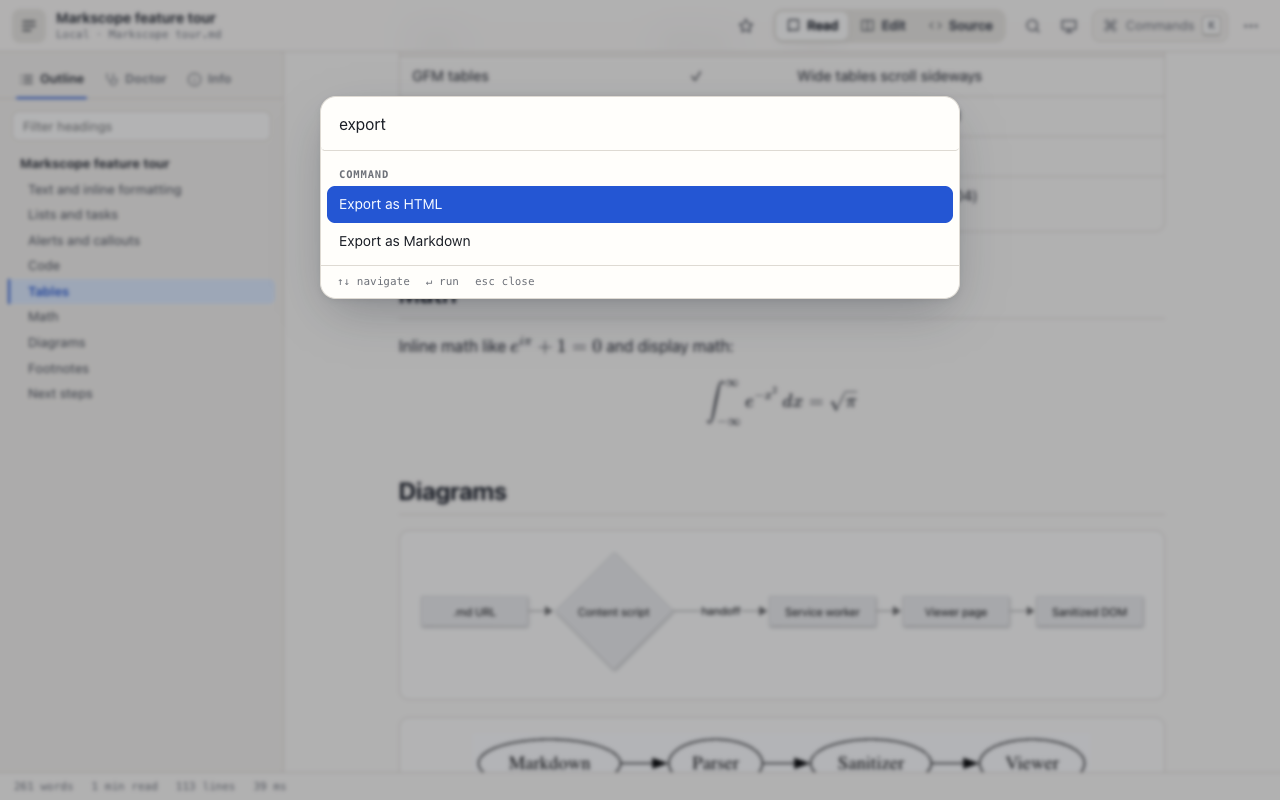
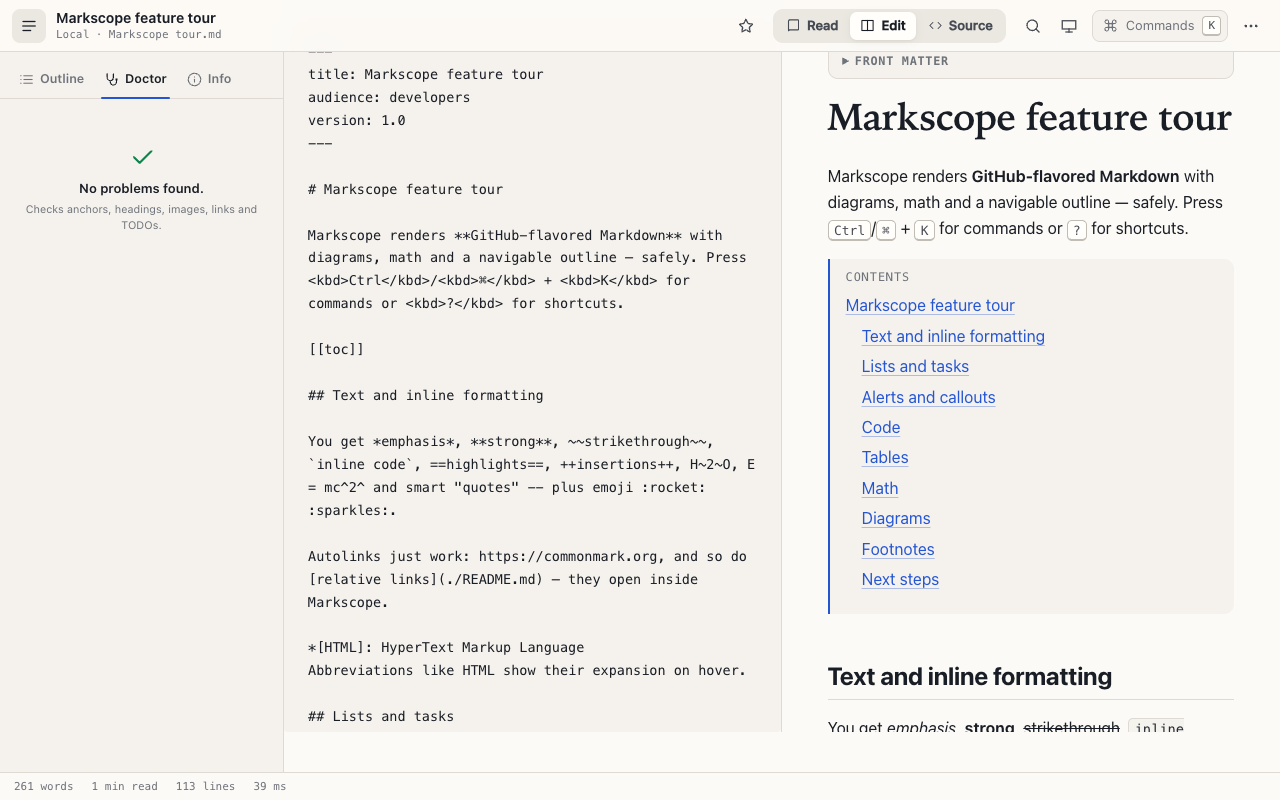
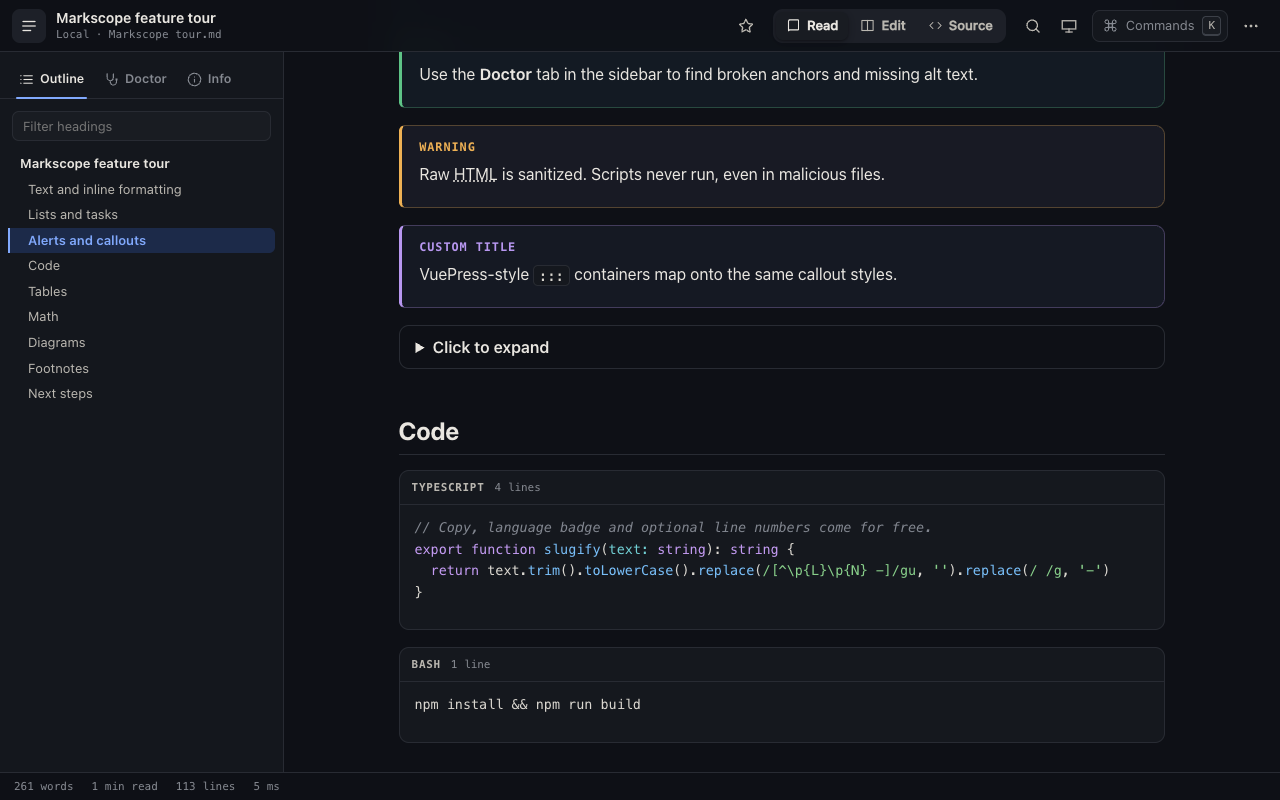
[[toc]], J/K heading jumps.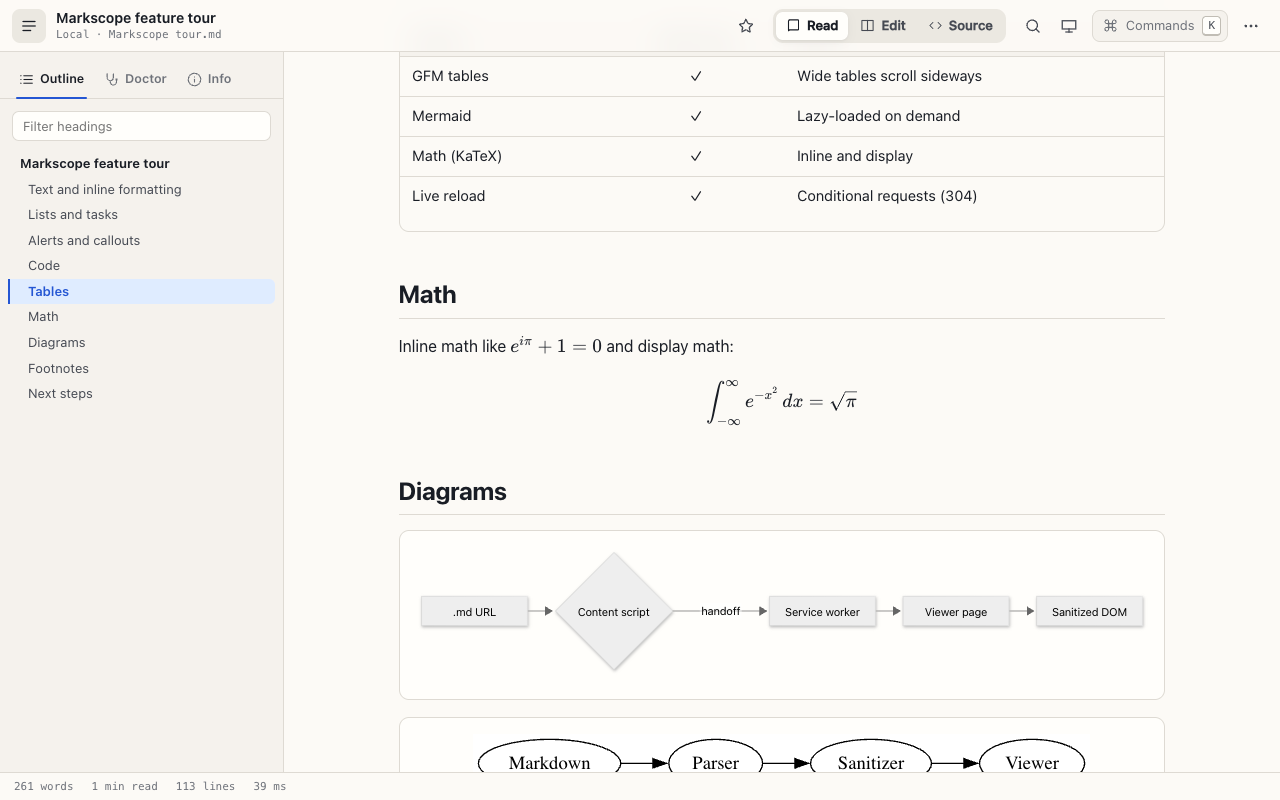
02
Everything in the box
Reading
- GitHub-flavored Markdown: tables, task lists, footnotes, emoji
- Alerts (
> [!NOTE]) and::: detailscontainers - Front matter as a collapsible table
- Relative
.mdlinks open in place, at the right anchor - Image lightbox and click-to-load for third-party images
- Find in document with /
Workflow
- Auto-detects
.md,.mdx,.markdownand more over http(s) andfile:// - Opens GitHub, GitLab and Bitbucket blob pages as Markdown
- Live reload with ETag and Last-Modified, keeps your place
- Open folder: browse a project's docs with Back and Forward
- Edit with live preview, ⌘S saves to the file
- Recents, favorites, focus mode
Export
- Self-contained HTML with no network requests, diagrams and math included
- Print or save as PDF with a print-tuned light layout
- The original Markdown, byte for byte
- Document stats: words, reading time, render time
AI, if you want it
- Summarize, outline, review, explain a selection or code block
- Ask questions about the document, generate a Mermaid diagram
- Anthropic, OpenAI, or any local or OpenAI-compatible endpoint
- Bring your own key. Requests go straight to your provider
03
A Markdown file can't attack you here
Many Markdown viewers inject rendered HTML into the web page itself, so a crafted file can run script in that page. Markscope never renders in the page.
-
Content script
Reads the page's plain text and hands it off. It never renders anything, so its attack surface is tiny.
-
Service worker
Validates every message and its sender. A content script can only hand off its own top-frame URL.
-
Render worker
markdown-it, highlighting and math run off the main thread, so large documents stay responsive.
-
DOMPurify
One trust boundary. No scripts, event handlers, forms, frames or
<style>. URLs pass a scheme allowlist. -
Viewer page
An extension page with
script-src 'self'. Even a sanitizer bypass has nothing it can execute.
No analytics. No telemetry. No server. Your documents stay in your browser.
The only time text leaves your machine is when you run an AI action, and only to the provider you configured, after you confirm. Keys are never synced or exported and are bound to the endpoint they were saved for. This page follows the same rule: no scripts, no web fonts, no third-party requests.
04
Install in a minute
Store listings are in review. Until they’re live, load the release build directly.
-
Download
markscope-1.2.0-chrome.zipand unzip it. - Open
chrome://extensions(oredge://extensions) and turn on Developer mode. - Click Load unpacked and choose the unzipped folder.
- For local files, open the extension's Details and allow access to file URLs.
Or build from source Node.js ≥ 20
git clone https://github.com/AbdallahSaeed/markscope
cd markscope
npm install
npm run build A Firefox build (npm run build:firefox) is available and experimental.